





18M+
Registered users
$2.9M+
Total paid out
10M+
App downloads
4.6
Google Play rating
How does sharing internet data work?
You pay for internet data every month. Most of it sits unused. Sharing puts that spare data to work and pays you for it. You do not share files, passwords, or browsing history. You set it up once through Honeygain, then it runs on its own.
Your earnings land in your JumpTask balance, the same as everything else you earn in the money earning app.
Your earnings land in your JumpTask balance, the same as everything else you earn in the money earning app.

You set it up once
Connect Honeygain to your JumpTask account. Turn sharing on. That is the whole setup.

It runs without you
Your device shares unused data while it is on. You do not open anything or press anything.
Your earnings come back to JumpTask
Credits land in the same balance as your other earnings. You cash out in one place.
How to start sharing internet data
Step 1
Create a free account
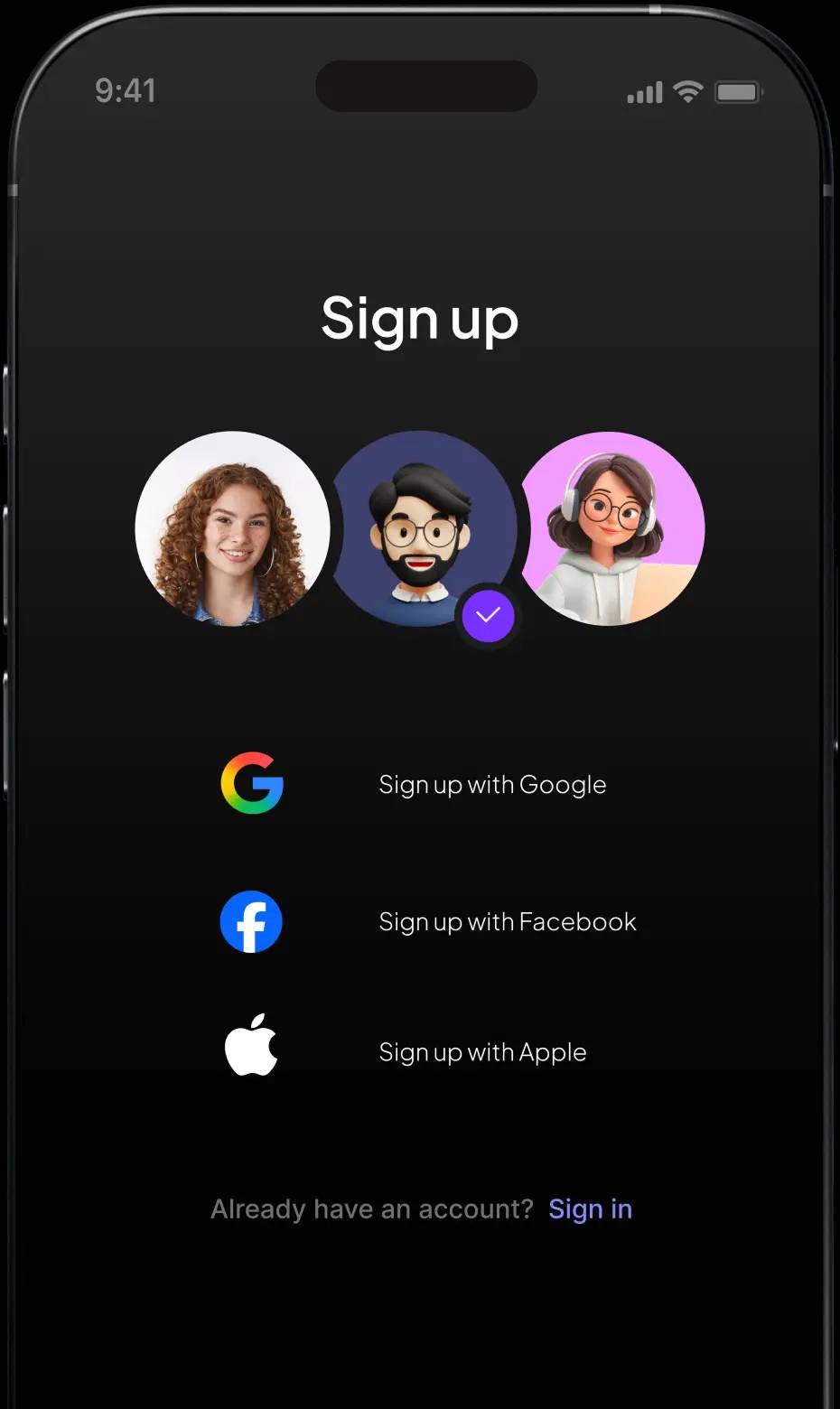
Sign up with email, Google, Facebook, or Apple. It takes about a minute.
Step 2
Copy your account ID
Open the Honeygain tab in JumpTask. Copy the account ID you see there.
Step 3
Sign up at Honeygain
Create your Honeygain account and confirm your email.
Step 4
Turn on JumpTask mode
Open the Honeygain app and turn on JumpTask mode. Paste your account ID. Your earnings then land in your JumpTask balance.
Earnings
How much you earn sharing internet data
See all your options on the payouts page
What you earn depends on how much data goes through your connection. That changes with your country and how many people share at the same time. More uptime means more credits. This works best as side income. It builds slowly in the background over weeks.
Your first payout starts at $1. After that, the minimum is $0.50.
Your first payout starts at $1. After that, the minimum is $0.50.
Earnings vary and are not guaranteed. Results depend on task availability, effort, and time invested.
Recent payouts
$2 637 406
Payout in

















Why earners pick JumpTask
Set it once, then forget it
Turn sharing on and it keeps running. No daily setup.

One balance for everything
The app also pays for watching videos, training AI, and other tasks.

Your credits hold their value
1,000 credits = $1.00. That rate is fixed and does not change.
Cash out your way
Gift cards, bank transfers, PayPal, or crypto in 100+ countries.
More ways to earn on JumpTask
Sharing data runs in the background. The same app also pays you for tasks you choose to do. Both add to one balance.



FAQs about internet data sharing
Sharing internet data is safe because you only share bandwidth you are not using. You do not share files, passwords, or browsing history. Your personal information stays private. To read more about how the platform works, see is JumpTask legit.
Your shared internet data is used by partner companies for things like price comparisons and ad verification. It is never used to reach your personal files or accounts.
Sharing uses only a small part of your connection, so most people do not notice a change. How much traffic goes through your connection depends on how many people share at the same time and how much demand there is in your country.
You get paid in credits, which you cash out through our payout partner GIFQ. You can choose gift cards, bank transfers, PayPal, or crypto. Your first payout starts at $1. After that, the minimum is $0.50. See every option on the payouts page.
How much you earn from sharing internet data depends on how much data goes through your connection, which country you are in, and how long you keep sharing on. Earnings vary and are not guaranteed. Results depend on task availability, effort, and time invested.
You can share internet data on an Android phone. The app is not available for iPhone. It also works on Windows, macOS, and Linux computers. You can use mobile data or Wi-Fi.
You do not need to do anything after setup. Sharing runs on its own once you turn it on. You only come back when you want to cash out.
Sharing internet data is legal in the countries where JumpTask operates. You agree to the terms when you turn it on. Some internet providers limit what you can do with your connection, so check your own contract first.